Andrew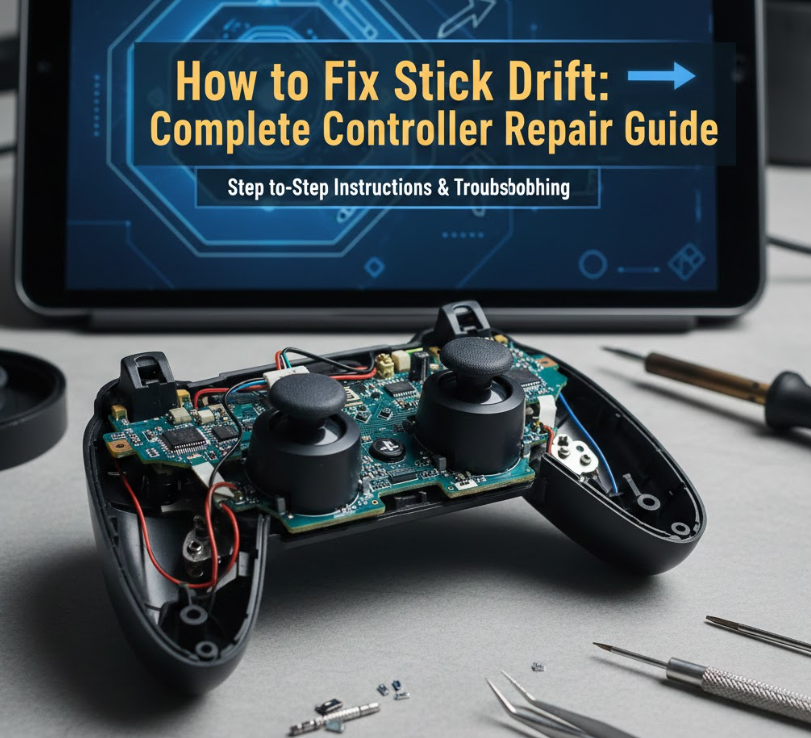
Stick drift is a common issue that affects modern gaming controllers, including PS5 DualSense and Xbox Series X/S controllers. Stick drift occurs when the analog stick registers movement without input, causing characters or cursors to move on their own. This problem is frustrating for gamers because it disrupts gameplay and reduces controller lifespan.
Understanding how to fix stick drift requires identifying the cause, which could be mechanical wear, dust accumulation, or calibration issues. This article explores all major causes of stick drift, and provides detailed, step-by-step solutions for PS5 and Xbox controllers. From cleaning and recalibrating to more advanced repairs, we will cover methods that are safe, cost-effective, and highly effective for maintaining smooth gaming performance.
By the end of this guide, you will know exactly how to diagnose, repair, and prevent stick drift, whether you’re using a PS5 controller, an Xbox controller, or other compatible gamepads.
How to Fix Stick Drift PS5
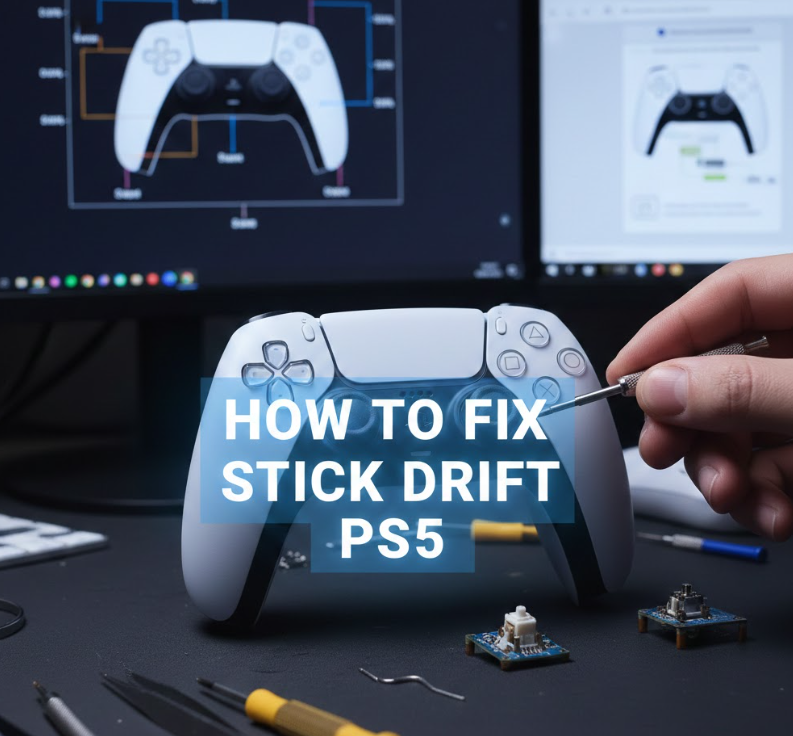
Fixing Stick Drift on PS5 Explained
Stick drift on a PS5 DualSense controller can arise from mechanical wear in the analog stick or internal contamination. It can be subtle, causing slight input errors, or severe, with continuous unintended movement. Proper repair involves cleaning, recalibration, or replacing the analog stick module.
Step-by-Step PS5 Stick Drift Fixes
• Clean the analog stick
Use compressed air to blow out dust and debris around the stick base. Dirt can cause the stick to misread inputs, so careful cleaning often resolves minor drift issues.
• Use isopropyl alcohol
Apply a small amount on a cotton swab to clean the stick’s edges. This removes grime without damaging electronics, restoring smoother movement.
• Recalibrate via console settings
Go to Settings > Accessories > Controllers > Calibrate. Recalibration corrects minor software recognition errors that mimic stick drift.
• Update controller firmware
Ensure the PS5 firmware is updated. Sony occasionally releases patches that improve analog stick accuracy and responsiveness.
• Replace the stick module
For persistent drift, disassemble the controller carefully and replace the analog stick. DualSense modules are available online, and replacement fixes most mechanical issues.
• Test thoroughly after repair
Check all axes by moving the stick in all directions. Ensure no input is registered when the stick is neutral.
Following these steps ensures your PS5 controller performs like new, extending its lifespan and improving gameplay.
Also Read:- How to Use a Compass: A Complete Guide for Navigation in the Real World and Beyond
How to Fix Stick Drift Xbox
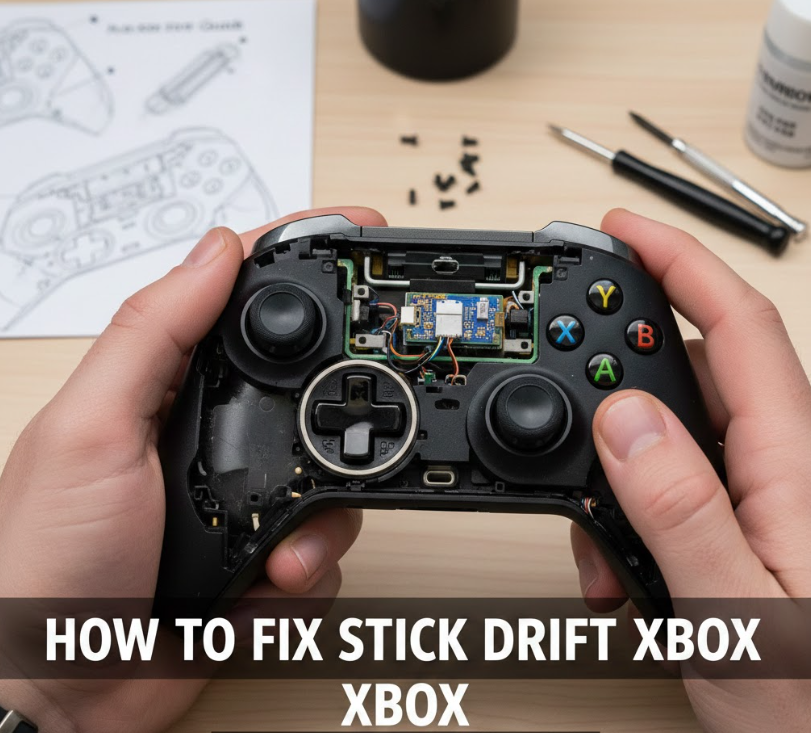
Fixing Stick Drift on Xbox Explained
Stick drift on Xbox Series X/S controllers is similar to PS5 issues. Dust, wear, or minor misalignment in the analog sticks causes unintentional movement. Since Xbox controllers are widely used, efficient and safe repair methods are essential.
Step-by-Step Xbox Stick Drift Fixes
• Clean with compressed air
Blow compressed air around the stick base to remove accumulated dust or debris.
• Use isopropyl alcohol swabs
Lightly clean around the analog stick joints. Alcohol dissolves grease and dirt, preventing stick slippage and unintentional movement.
• Recalibrate via Windows or console
Use Xbox Accessories app to recalibrate the controller. Proper calibration ensures the software accurately reads stick positions.
• Check for software updates
Xbox frequently updates controller firmware to address hardware sensitivity issues. Always ensure your controller is updated.
• Replace analog stick module
If cleaning doesn’t work, consider replacing the module. Xbox analog sticks are modular and can be replaced with a screwdriver and careful disassembly.
• Test in multiple games
After cleaning or replacement, test the controller in different games to verify consistent performance and no drift.
Using these steps, Xbox gamers can restore their controllers to accurate and reliable performance.
Also Read:- How to Check Engine Oil: A Complete Practical Guide for Every Car Owner
How to Fix Stick Drift on PS5 Controller
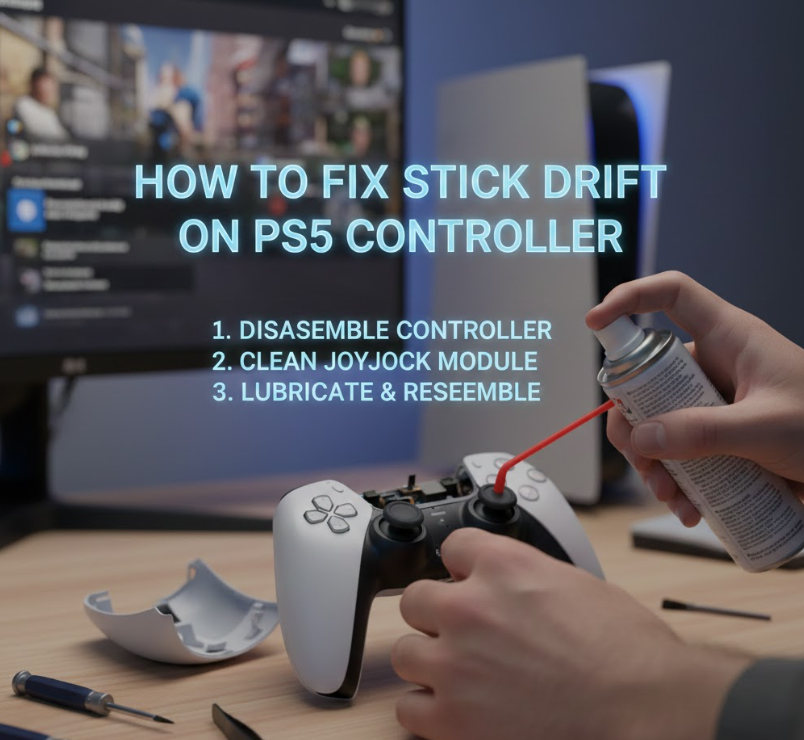
PS5 Controller Stick Drift Repair Explained
The PS5 controller’s stick drift is primarily caused by wear on the analog stick sensor or contamination in the potentiometer. This can lead to movement registering when the stick is stationary. Solutions range from simple cleaning to component replacement.
Advanced Repair Steps
• Remove controller backplate
Carefully unscrew and open the controller to access the analog stick. Handle the internal ribbon cables gently.
• Inspect analog stick potentiometer
Identify if wear or dirt is affecting the sensor. Potentiometers measure stick movement; damage leads to drift.
• Clean thoroughly
Use a combination of compressed air and isopropyl alcohol around the potentiometer and stick joints. Avoid excess liquid to prevent electrical damage.
• Lubricate lightly
Some gamers lightly apply electronics-safe lubricant to improve smooth stick motion.
• Replace worn modules
If cleaning fails, replace the analog stick module entirely. Official replacement parts are recommended for PS5 DualSense controllers.
• Reassemble and test
Carefully reassemble the controller and test stick functionality in Settings > Accessories > Controller.
Proper attention to detail during these steps eliminates drift in most PS5 controllers and restores optimal responsiveness.
Also Read:-How to Reheat Pizza in Oven: Expert Tips for Perfect Slices
How to Fix Stick Drift on Xbox Controller
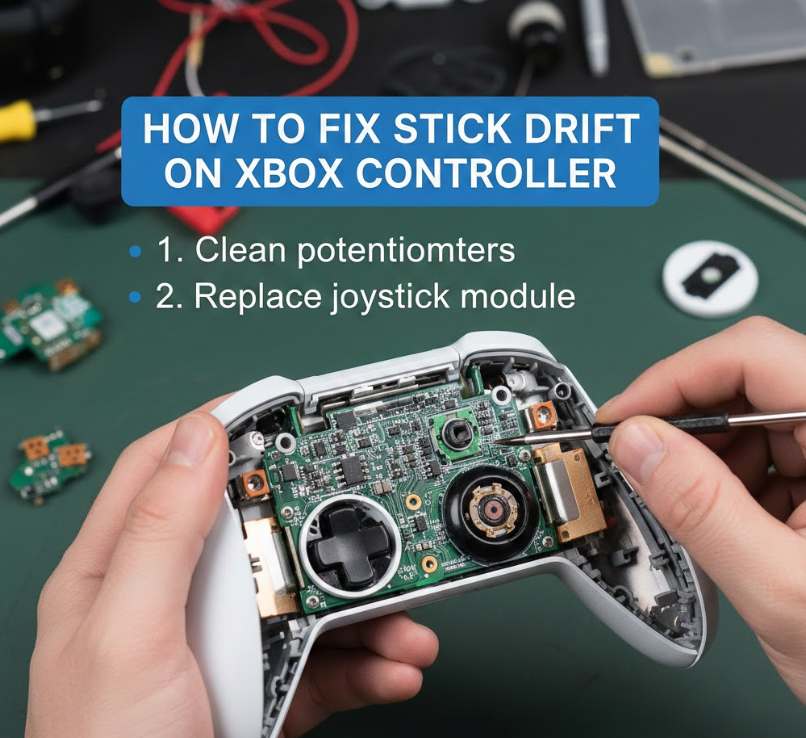
Xbox Controller Stick Drift Repair Explained
Stick drift on Xbox controllers occurs due to potentiometer wear or dirt lodged under the stick mechanism. Repairing it involves cleaning, recalibration, or component replacement, ensuring the analog stick reads neutral when not moved.
Detailed Repair Procedure
• Remove the controller shell
Unscrew carefully to avoid damaging internal components. Keep track of screws and springs.
• Inspect analog stick assembly
Check for mechanical wear, dirt, or loose components. Proper alignment ensures accurate stick reading.
• Clean joints with alcohol
Use a cotton swab with isopropyl alcohol to clean the stick’s pivot points and potentiometer. This removes grime that causes drift.
• Recalibrate through Xbox Accessories app
Calibrate sticks to reset the controller’s internal sensing mechanism. This resolves minor software-induced drift.
• Replace stick module if needed
Persistent drift usually requires a new analog stick module. Modular replacement is standard on Xbox controllers.
• Test thoroughly after assembly
Move the stick in all directions to ensure no drift occurs in games or menus. Repeat cleaning if minor drift persists.
This procedure reliably fixes stick drift on Xbox controllers, restoring smooth and precise control.
Also Read:- How to Make Matcha Latte: A Complete Guide for Cafe-Quality Results at Home
Preventing Stick Drift in Gaming Controllers
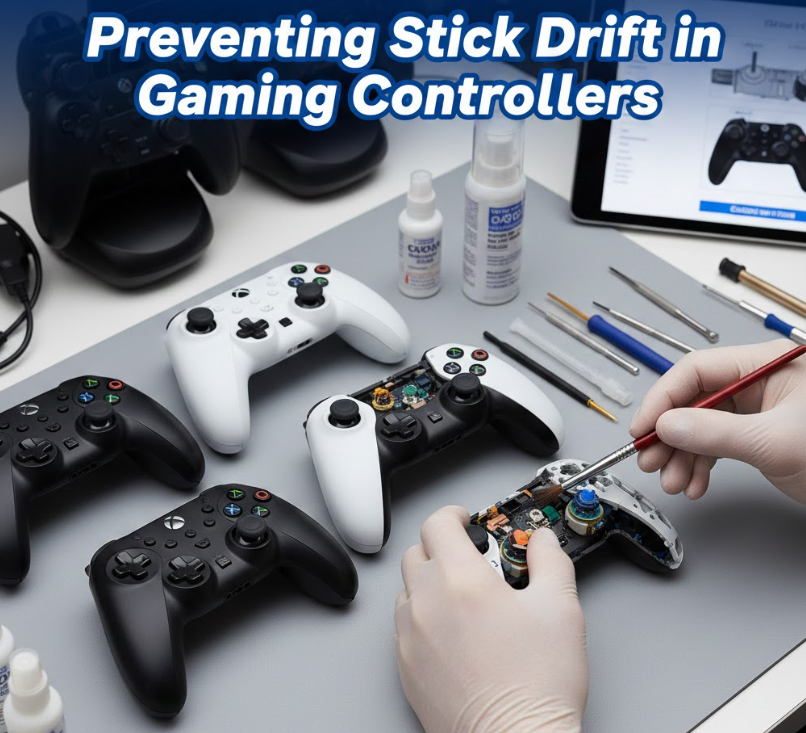
• Keep controllers clean
Regularly blow compressed air into analog stick bases to prevent dust buildup. This simple step goes a long way in maintaining stick responsiveness.
• Avoid sticky hands
Since sweat and grease accelerate stick wear, make it a habit to wipe your hands before long gaming sessions. This helps preserve the analog stick’s lifespan.
• Use protective covers
Applying analog stick caps can reduce wear and protect from debris, keeping your controller in top condition.
• Store controllers properly
Controllers should be placed carefully—avoid dropping or stacking them—to reduce mechanical stress on internal components. Proper storage prevents accidental damage.
• Update firmware regularly
Ensuring both PS5 and Xbox controllers are updated keeps stick responsiveness optimal and can address minor drift issues through software improvements.
• Be gentle with sticks
Pressing sticks too hard can cause premature potentiometer wear. Handle the analog sticks with care to extend their lifespan.
Prevention measures like these help minimize repair costs and ensure smooth gaming performance over time.
Also Read:- How to Pair Beats Earbuds: The Complete Guide for Every Device
Conclusion: Mastering How to Fix Stick Drift
Stick drift is a common yet manageable problem for PS5 and Xbox controllers. By understanding causes, performing careful cleaning, recalibrating, or replacing analog stick modules, gamers can restore accurate and responsive control. Prevention, regular maintenance, and careful handling reduce the likelihood of future drift. With these strategies, your controllers will maintain optimal performance for years of gaming enjoyment.
FAQs
Why does stick drift happen?
It is usually caused by dust, dirt, or wear on the analog stick potentiometer.
Can I fix stick drift myself?
Yes, cleaning and recalibration often work. Replacement may be required for worn modules.
Does firmware update help?
Yes, updates can recalibrate stick sensing and improve accuracy.
How do I prevent stick drift?
Keep controllers clean, avoid sticky hands, and use stick caps.
For More Info Visit Hola-Fly